Four dedicated AI export plugins, not one generic scraper

Export AI chats the right way for ChatGPT, Claude, Gemini, and Perplexity

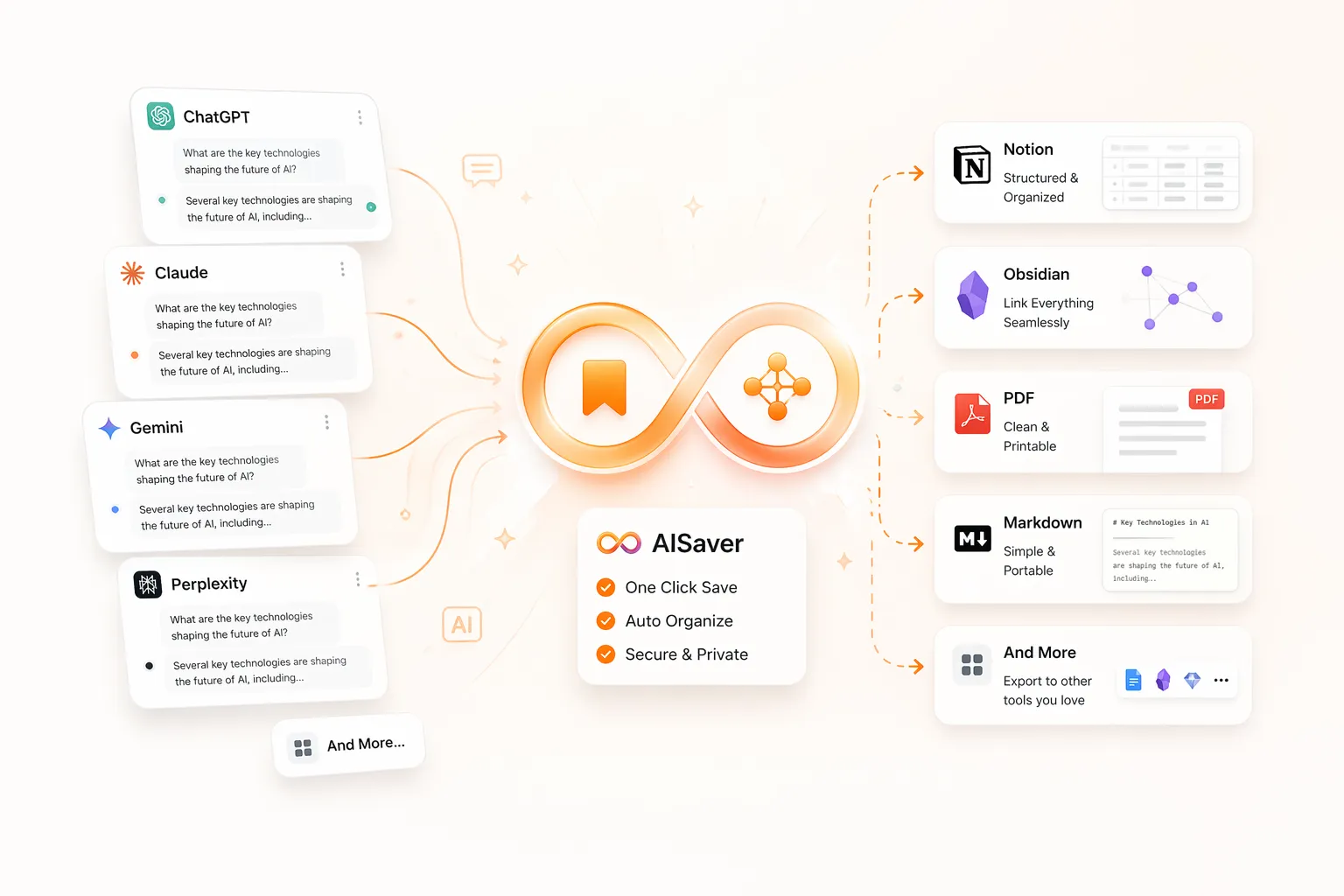
AISaver splits one exporter hub into four platform-specific plugins, so each landing page can explain the real workflow: ChatGPT Projects, Claude artifacts, Gemini image-heavy chats, and Perplexity research Spaces.

Local-first exports Notion, Markdown, PDF Obsidian-friendly workflows
AISaver platform-specific AI chat exporters
Why this site changed

Four plugin stories, not one recycled template

The website now mirrors the actual extension variants, so each page speaks to its own search intent and export workflow.

Formats

Notion, Markdown, PDF

Positioned for second-brain systems, reporting, offline access, and durable archives.

SEO direction

Focused platform and long-tail keyword coverage

Each platform page now answers searches like “export Gemini chats with images” or “archive Perplexity Spaces to Obsidian.”

Choose the plugin built for your AI workflow

Same export philosophy, but different landing copy, use cases, and FAQs for each platform.

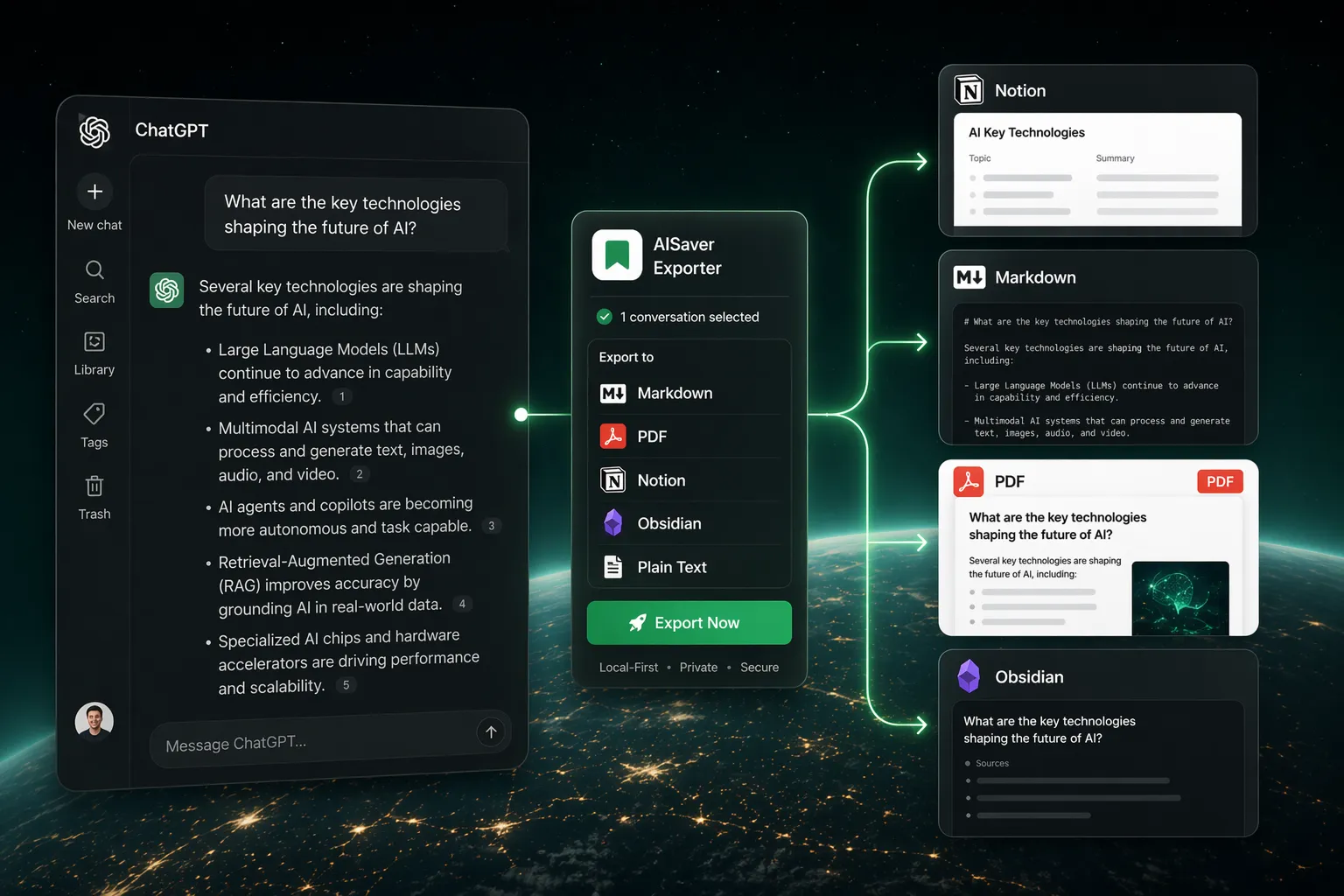
ChatGPT Exporter
ChatGPT Coming soon

ChatGPT Exporter

Bulk save ChatGPT conversations with a dedicated exporter for projects, prompts, research logs, and team knowledge bases.

  • Bulk export ChatGPT history in one workflow
  • Sync GPT Project conversations
  • Export opened ChatGPT tabs together
  • Save to Notion, Markdown, PDF, and Obsidian
See Details
Claude Exporter
Claude Coming soon

Claude Exporter

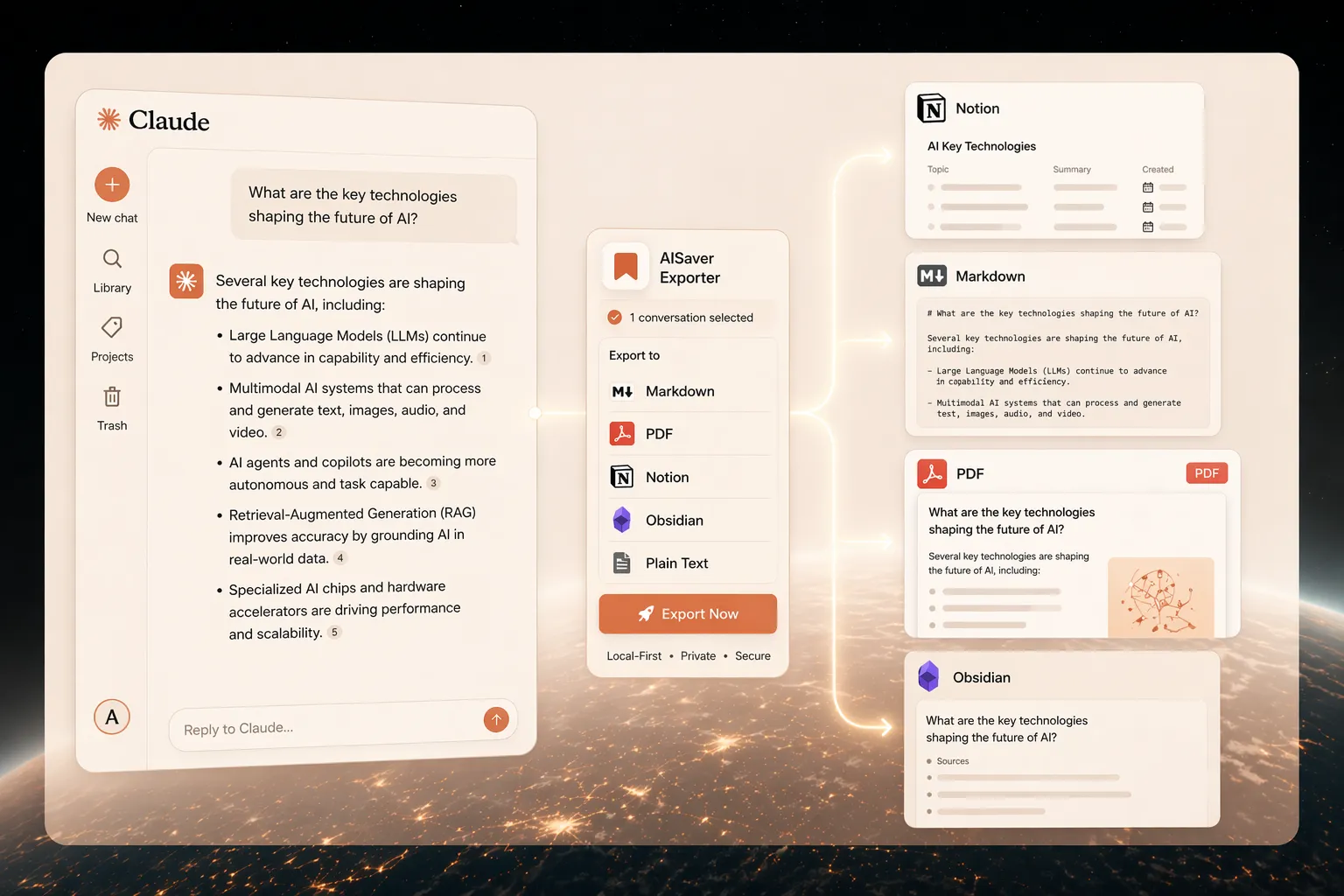
A Claude-specific exporter for archiving long-form chats, research threads, artifacts, and structured knowledge work.

  • Bulk export Claude conversation history
  • Archive Claude artifacts alongside the transcript
  • Send Claude chats to Notion or Obsidian-ready Markdown
  • Generate clean PDF backups for long-form analysis
See Details
Gemini Exporter
Gemini Live now

Gemini Exporter

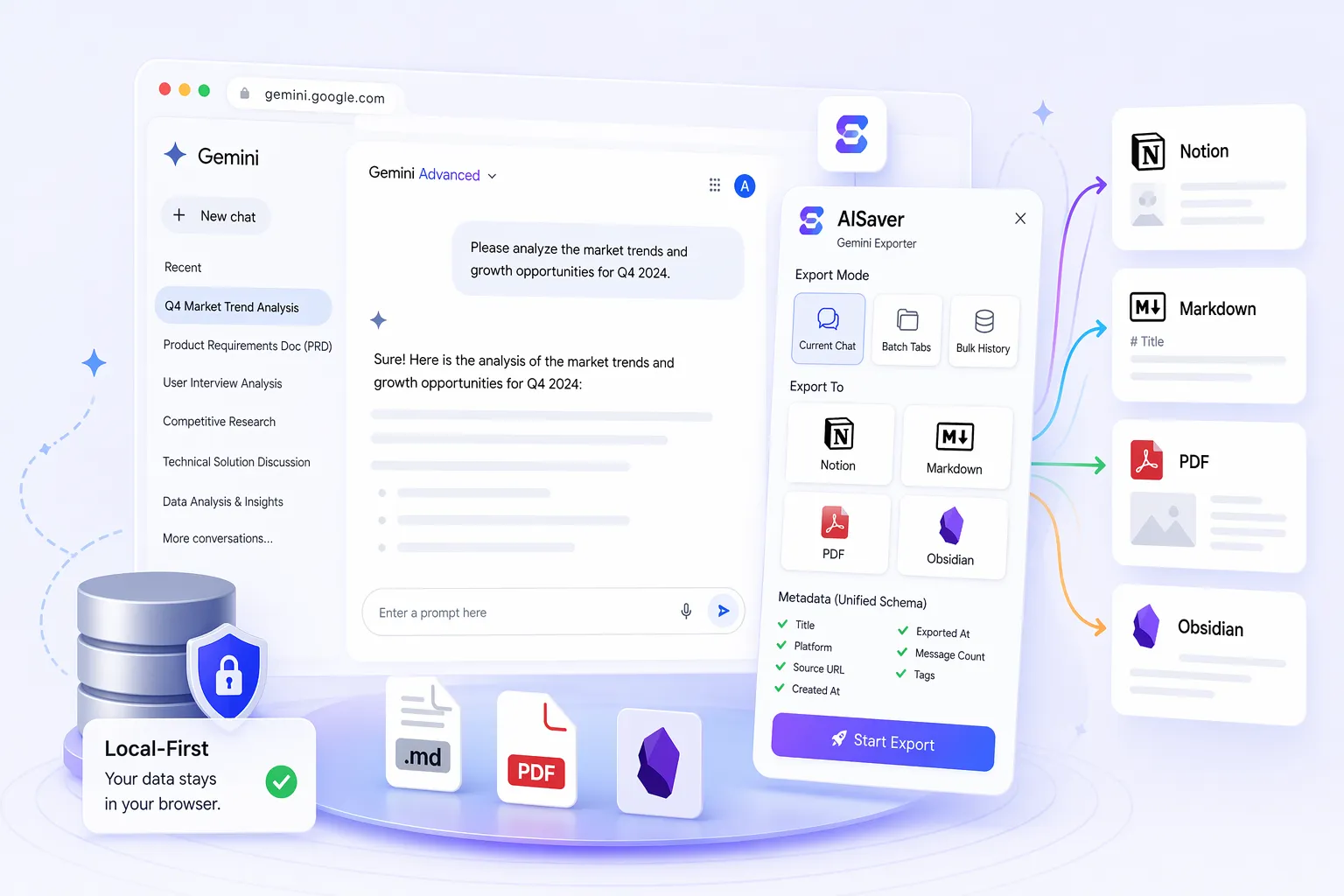
A Gemini-specific bulk exporter that preserves images, formulas, and research structure for cleaner AI chat archives.

  • Bulk export Gemini conversations in minutes
  • Keep inline images and media references
  • Preserve formulas and structured answers
  • Export to Notion, Markdown, PDF, and Obsidian workflows
View Plugin
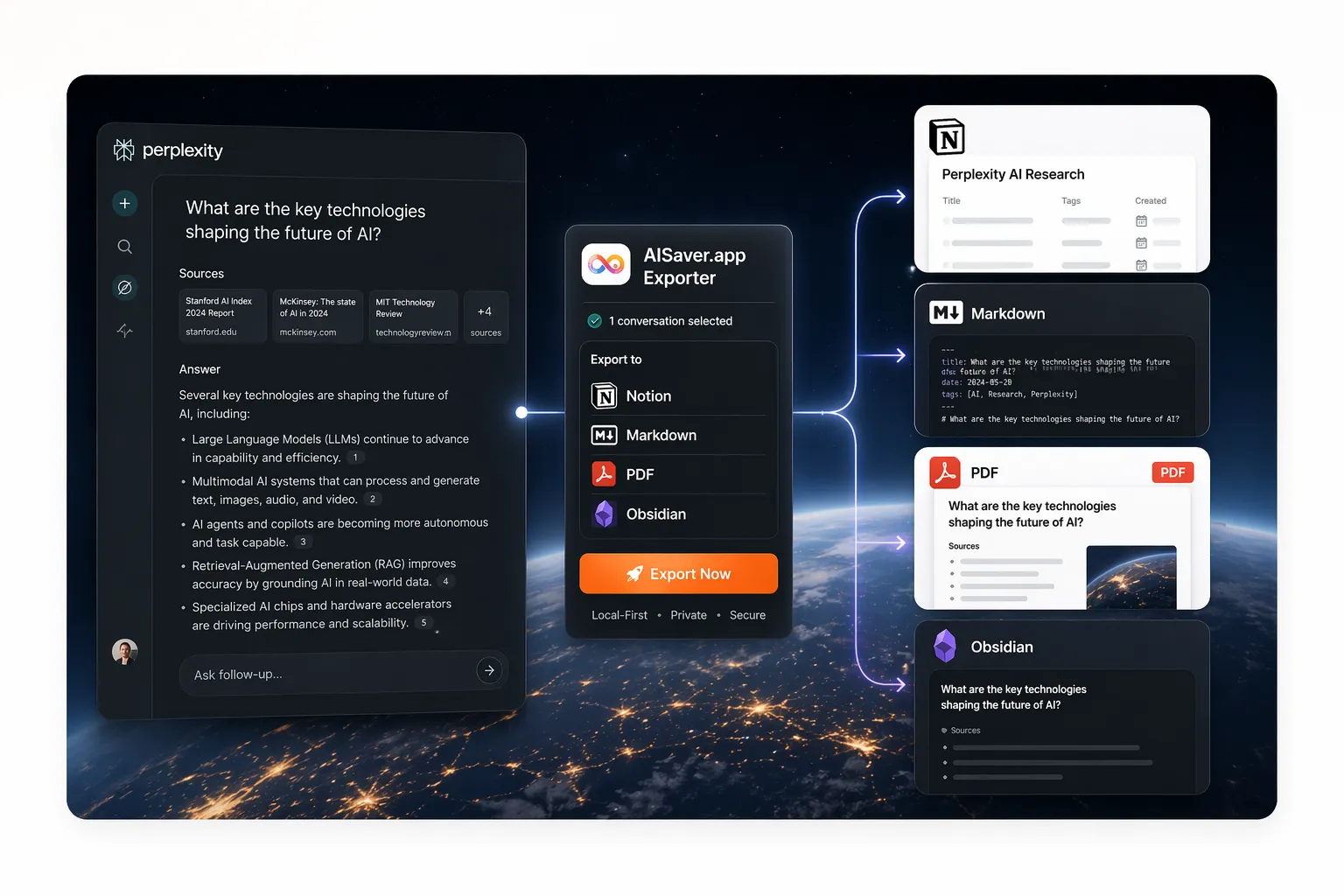
Perplexity Exporter
Perplexity Live now

Perplexity Exporter

A Perplexity-specific exporter for citation-heavy research, Spaces-based organization, and durable Markdown or Notion archives.

  • Bulk export Perplexity history and research threads
  • Organize exports by Perplexity Spaces
  • Keep source-rich answers easier to review later
  • Export to Notion, Markdown, PDF, and Obsidian workflows
View Plugin

What the four plugin pages now explain clearly

Platform-specific value is now visible on the site instead of hidden inside the extension codebase.

ChatGPT Coming soon

Built for ChatGPT power users

AISaver for ChatGPT is built for people who treat ChatGPT as a real workbench. Bulk export ChatGPT history, opened tabs, and project conversations into Notion, Markdown, PDF, and Obsidian-friendly files without copying chat by chat.

  • Project-aware export workflows for ChatGPT Projects
  • Local-first file generation for Markdown and PDF exports
  • Structured Notion sync with reusable metadata fields
Claude Coming soon

Built for Claude research and writing workflows

AISaver for Claude is optimized for Claude-heavy writing, analysis, and deep research workflows. Bulk export Claude chats into Notion, Markdown, PDF, and Obsidian-friendly notes while keeping a cleaner archive for artifacts and knowledge capture.

  • Claude-specific handling for artifact-rich conversations
  • Designed for long-form reasoning, writing, and documentation workflows
  • Local-first export path for Markdown and PDF backups
Gemini Live

Built for Gemini image and research workflows

AISaver for Gemini is built for users who need more than a text dump. Bulk export Gemini conversations into Notion, Markdown, PDF, and Obsidian workflows while keeping image-heavy chats, formulas, and structured research notes easier to preserve.

  • Gemini-specific handling for image-heavy conversation exports
  • Cleaner support for formulas, timestamps, and structured answers
  • Works well for note systems, research archives, and offline backup
Perplexity Live

Built for citation-heavy Perplexity workflows

AISaver for Perplexity is built for research-driven users who need more than a screenshot or manual copy-paste. Bulk export Perplexity threads, preserve research context, and organize answers into Notion, Markdown, PDF, and Obsidian-friendly files.

  • Perplexity-specific workflow for citation-heavy research archives
  • Supports Spaces-aware export organization
  • Granular control over research context such as sources and related questions
Who this is for

Knowledge workers who need durable AI archives

ChatGPT

Founders and operators documenting product thinking

Developers archiving code discussions and debugging sessions

Claude

Writers and strategists using Claude for long-form thinking

Researchers maintaining a durable archive of analysis

Gemini

Researchers and students working with mixed text-and-image outputs

Google Gemini users building organized personal knowledge systems

Perplexity

Researchers and analysts running source-heavy workflows

Students and writers preserving cited answers for study or drafting

User perspective

How people describe the workflows they were actually searching for

“I needed to bulk export ChatGPT conversations into a Notion database for client research. This is the first workflow that felt purpose-built instead of hacked together.”

Maya R. · Consultant

“We use Claude for long-form strategy work, so having a Claude export tool for Notion and PDF is much more useful than a generic AI backup extension.”

Nora T. · Strategy lead

“I was specifically looking for a way to export Gemini chats with images, and most tools only handled plain text. This one finally matched the workflow.”

Iris C. · PhD student

“I wanted to export Perplexity Spaces to Obsidian without losing the research structure. This is the first landing page that actually speaks to that use case.”

FAQ

Common questions about the plugin split, export formats, and privacy model.

Why does AISaver have four separate plugin pages instead of one generic AI exporter?

Because ChatGPT, Claude, Gemini, and Perplexity users search for different outcomes. Separate plugin pages let the site explain project export, artifacts, images, Spaces, and research workflows in a way that matches each platform.

Which export formats does AISaver actually support today?

The current plugins focus on three main targets: Notion, Markdown, and PDF. Markdown is positioned for Obsidian and similar note-based workflows.

Is AISaver local-first?

Yes. Markdown and PDF exports are generated locally in the browser. Notion is only used when you connect your own workspace and explicitly choose Notion sync.

Which plugin should I choose?

Choose the plugin that matches the AI product you use most. The dedicated plugin pages explain the platform-specific export workflow and why it is different from a generic chat saver.

Can I use AISaver to bulk export ChatGPT conversations, save Gemini chats with images, or archive Perplexity research in Obsidian?

Yes, but the workflow is intentionally split by platform. The ChatGPT page speaks to bulk export and project history, the Gemini page covers image-heavy and structured chats, and the Perplexity page focuses on research threads, Spaces, and Markdown archives for Obsidian-style workflows.

Is AISaver suitable for people who want to save AI chats to Notion instead of leaving them trapped in the browser?

Yes. That is one of the core reasons the site now emphasizes platform-specific export pages. Many users want to save ChatGPT, Claude, Gemini, or Perplexity conversations to Notion, Markdown, or PDF in a way that feels organized and durable.