Notion
Send selected chats into structured databases with useful metadata.
Best for shared knowledge bases, research review, and team archives.
Dedicated exporters for ChatGPT, Claude, Gemini, Perplexity, and NotebookLM. Bulk save conversations to Notion, Markdown, PDF, Obsidian-ready notes, and local document formats.
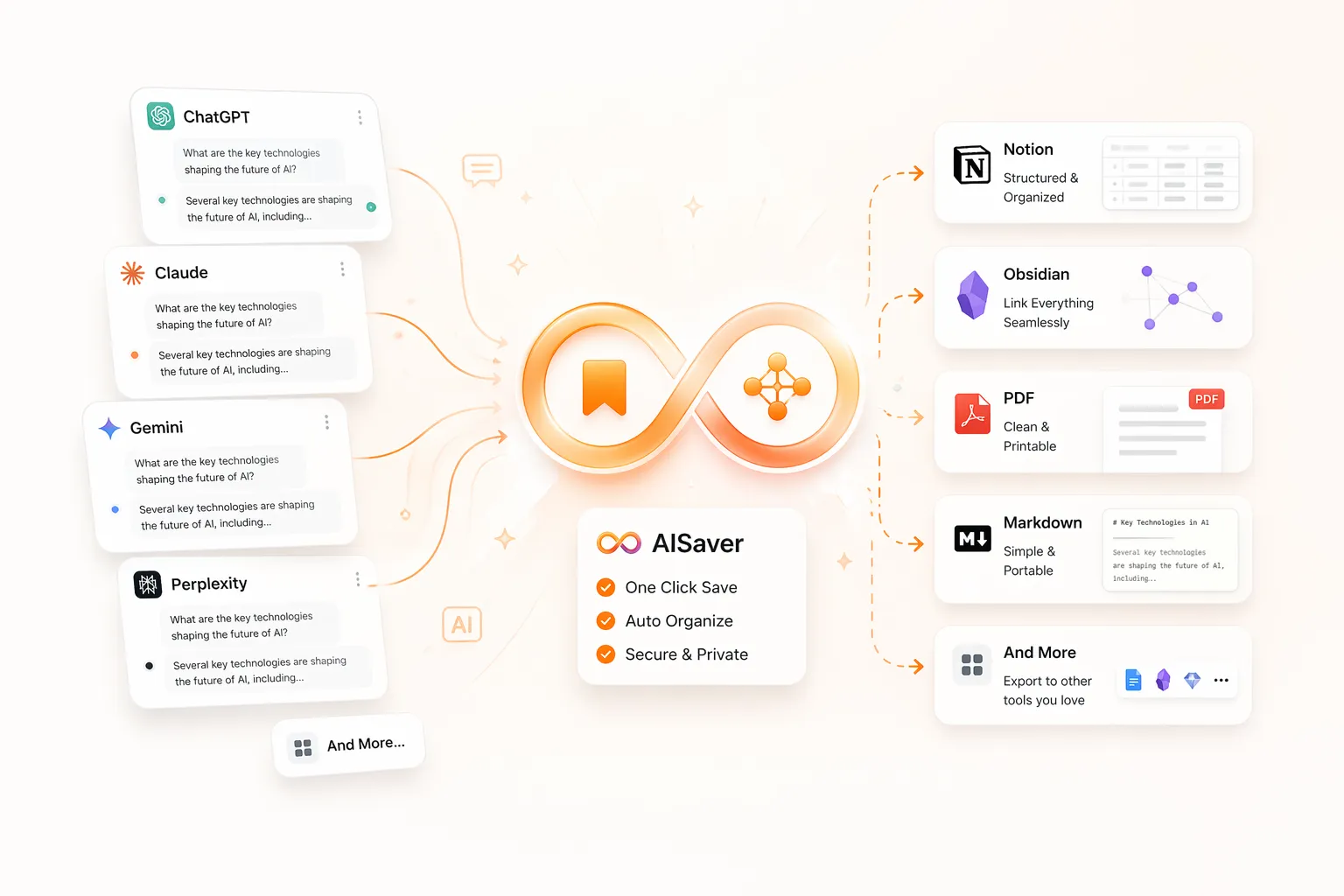
Export flow
From browser history to durable archive
Each plugin keeps the shared AISaver export model, but the page, examples, and workflow details are tuned to the source platform.
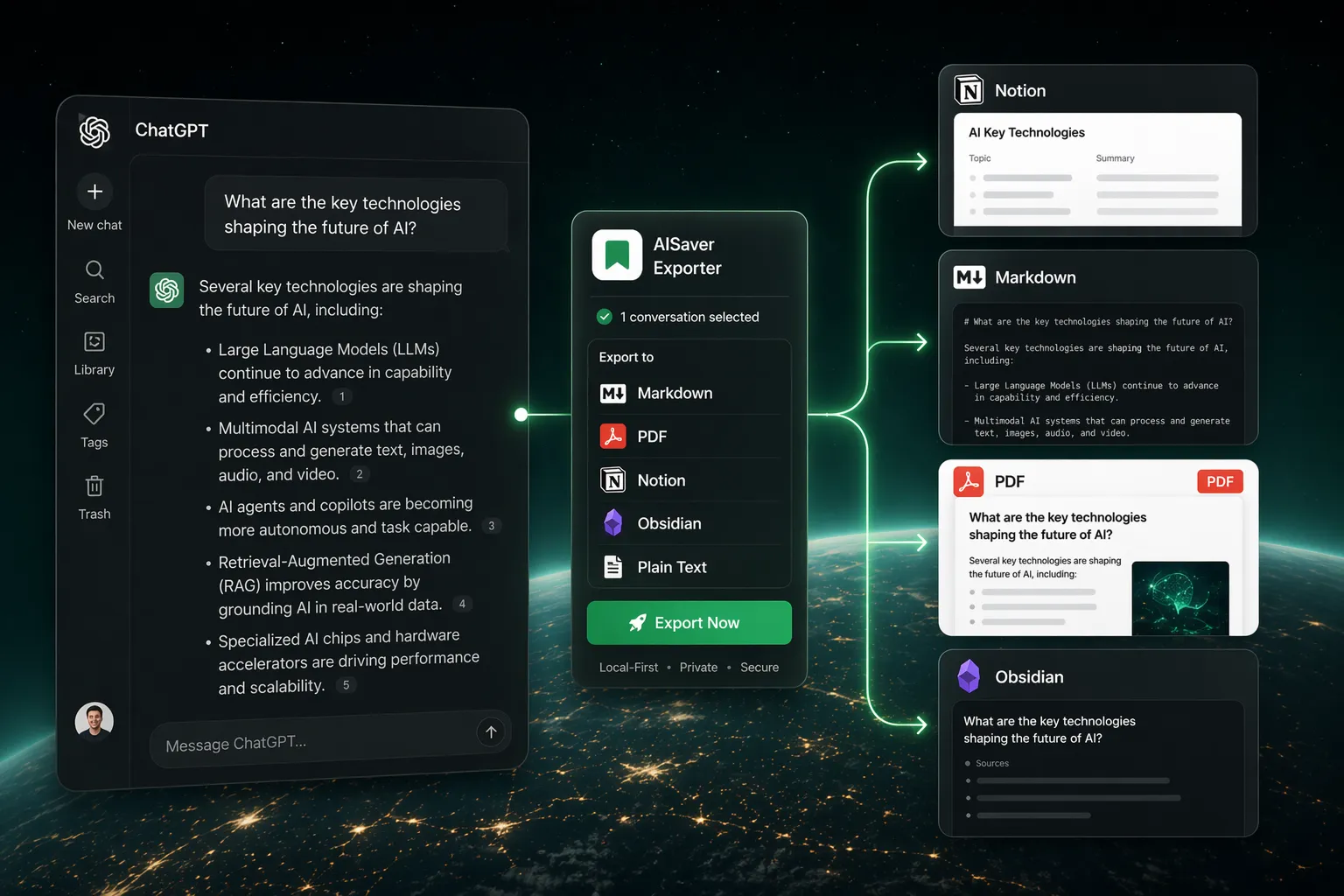
Bulk save ChatGPT conversations with a dedicated exporter for projects, prompts, research logs, and team knowledge bases.
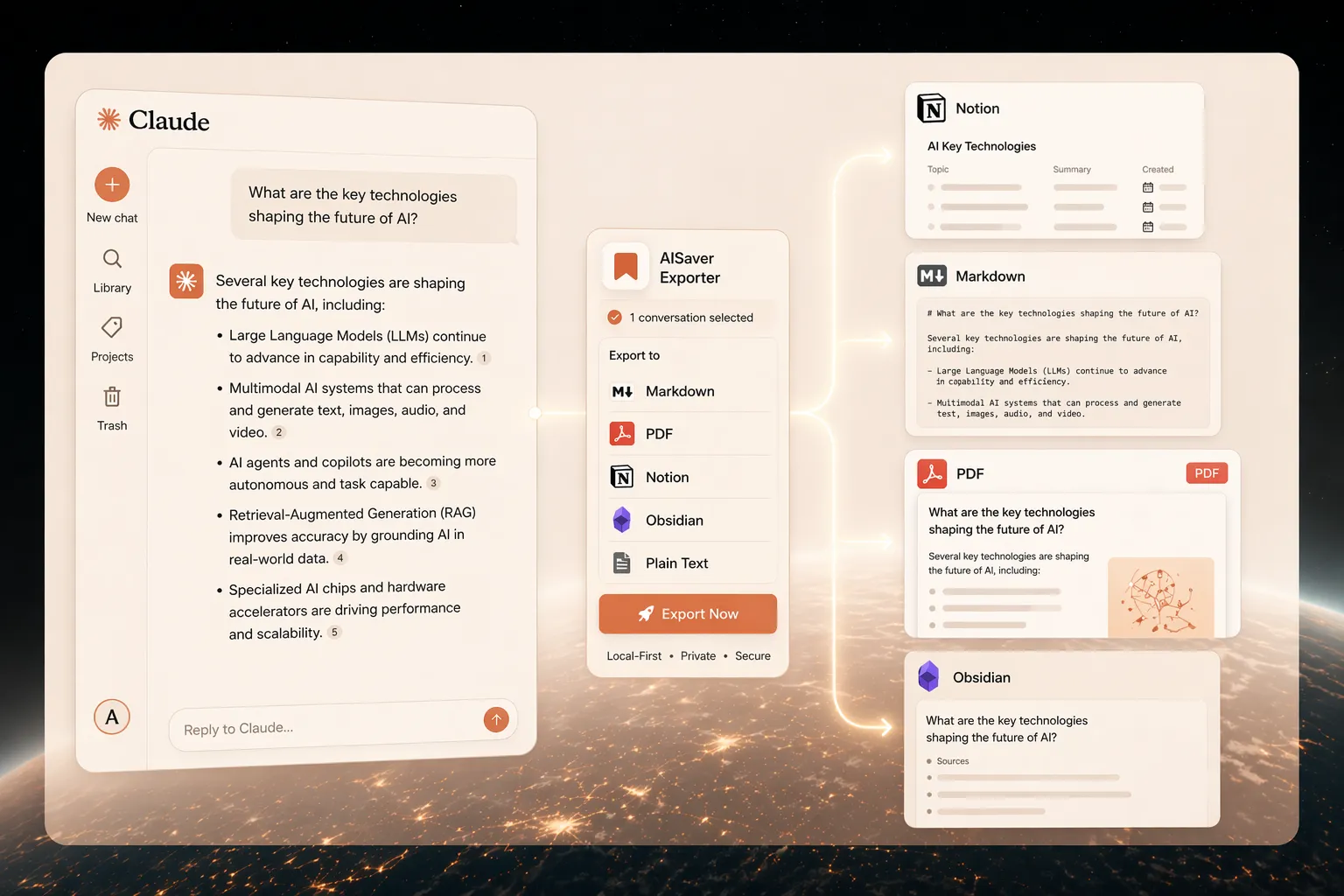
A Claude-specific exporter for archiving long-form chats, research threads, artifacts, and structured knowledge work.
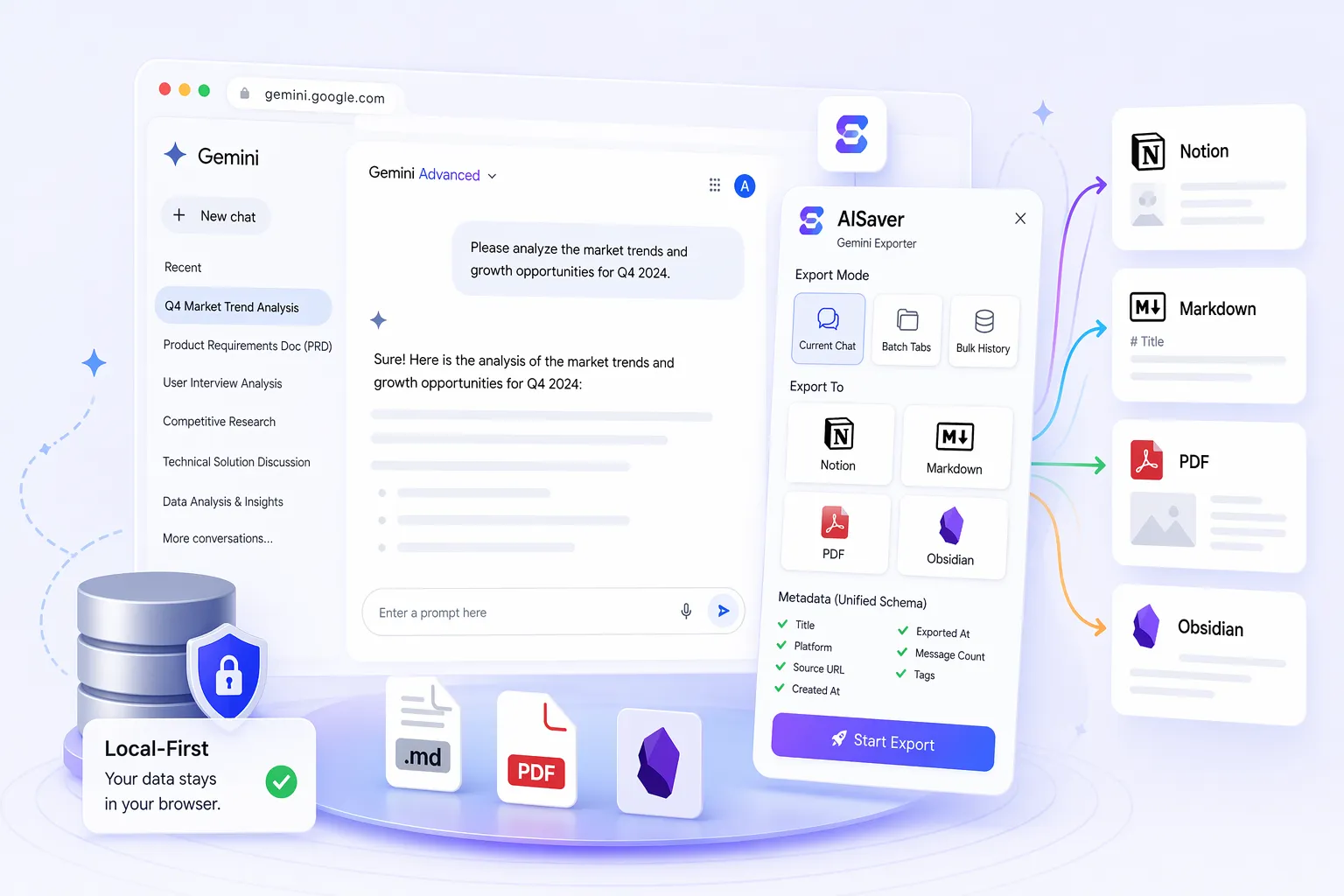
A Gemini-specific bulk exporter that preserves images, formulas, and research structure for cleaner AI chat archives.
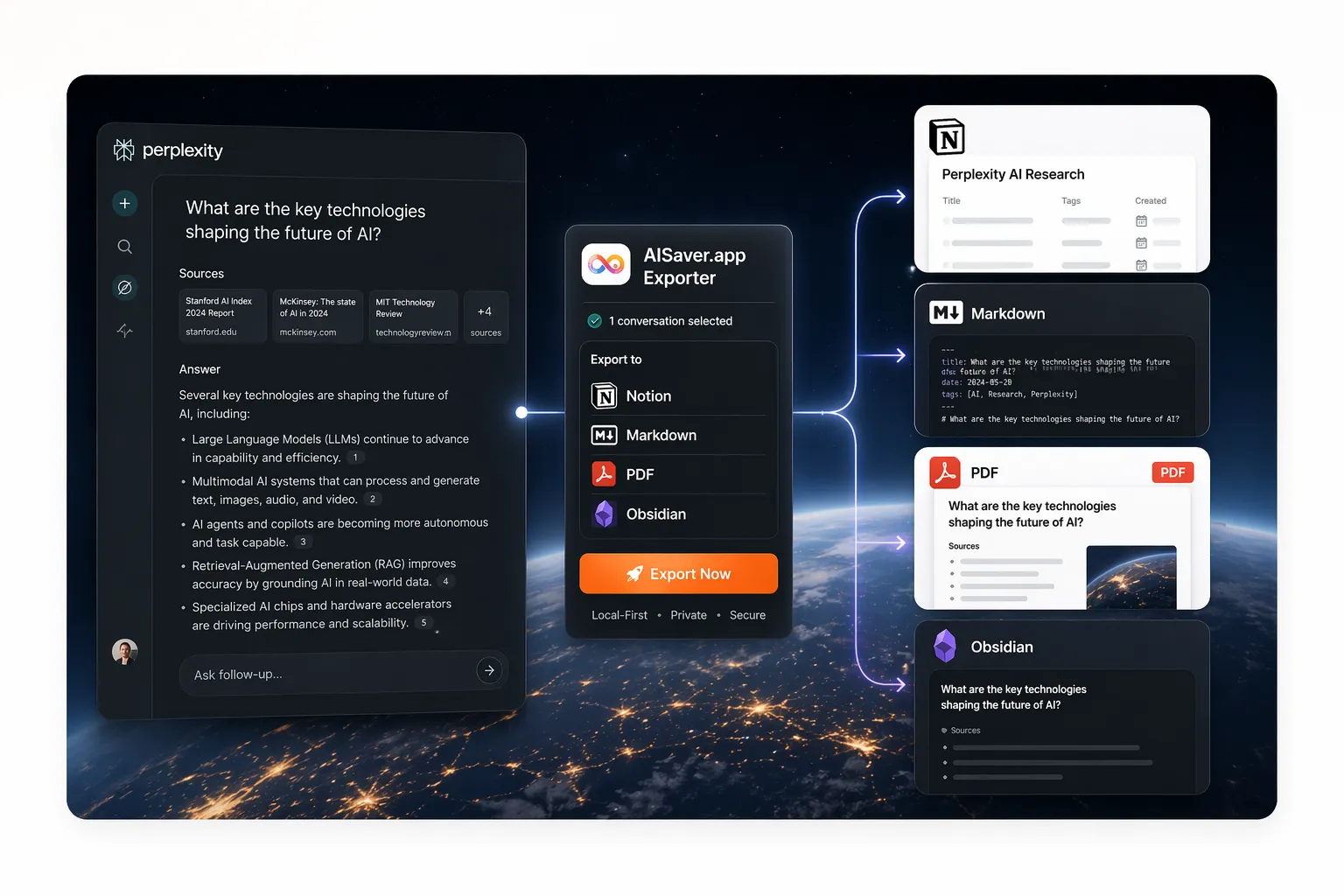
A Perplexity-specific exporter for citation-heavy research, Spaces-based organization, and durable Markdown or Notion archives.
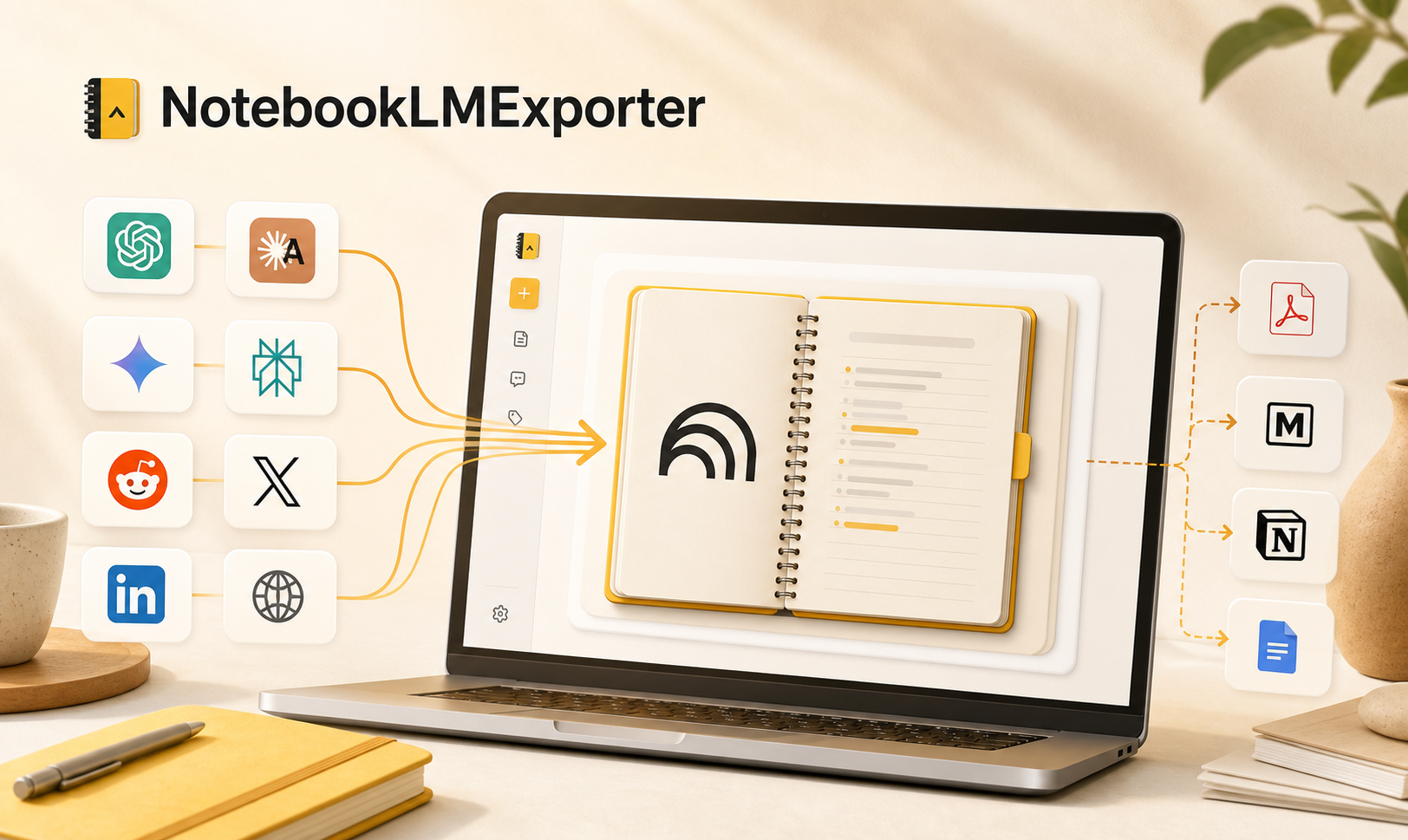
A NotebookLM-specific workspace for exporting conversations and Studio Notes, and importing AI chats, web pages, and highlights into the right notebook without repetitive copy-paste.
AISaver is organized around real follow-up work: team knowledge, local notes, stable documents, and reusable research files.
Send selected chats into structured databases with useful metadata.
Best for shared knowledge bases, research review, and team archives.
Save readable local files with frontmatter for long-term ownership.
Best for Obsidian, vaults, plain-text backup, and portable notes.
Create stable documents for review, reporting, and offline reading.
Best for handoff, teaching, records, and client-facing snapshots.
Export conversations and Studio Notes to Markdown, PDF, DOCX, HTML, JSON, or text.
Best for research notebooks, source-grounded notes, and reusable drafts.
Markdown and PDF exports are generated in the browser and saved through Chrome downloads. Notion sync is only used when you connect your own workspace and choose it as the destination.
Local files are created directly from the browser workflow.
Use your own workspace when database sync is the right fit.
Export history, opened tabs, or selected content depending on platform support.
Consultant
“I needed to bulk export ChatGPT conversations into a Notion database for client research. This is the first workflow that felt purpose-built instead of hacked together.”
Strategy lead
“We use Claude for long-form strategy work, so having a Claude export tool for Notion and PDF is much more useful than a generic AI backup extension.”
PhD student
“I was specifically looking for a way to export Gemini chats with images, and most tools only handled plain text. This one finally matched the workflow.”
UX researcher
“I wanted to export Perplexity Spaces to Obsidian without losing the research structure. This is the first exporter that actually matches that workflow.”
Graduate researcher
“NotebookLM is where I collect research, but I also needed a faster way to move useful AI chats into the right notebook. This finally makes that flow feel organized.”
Common questions about formats, privacy, and choosing the right page.
Because people use these tools differently. ChatGPT users often care about projects and prompt history, Claude users care about long-form thinking, Gemini users care about image-rich chats, Perplexity users care about research threads and Spaces, and NotebookLM users care about notebook conversations and Studio Notes.
The chat exporters focus on Notion, Markdown, and PDF. NotebookLMExporter supports local file formats including Markdown, PDF, HTML, DOCX, JSON, and text.
Yes. Markdown and PDF exports are generated locally in the browser. Notion is only used when you connect your own workspace and explicitly choose Notion sync.
Choose the one that matches the AI product or research workflow you use most. Each page explains the setup, export targets, and common use cases for that platform.
Yes. The ChatGPT page covers bulk export and project history, the Gemini page covers image-heavy and structured chats, the Perplexity page focuses on research threads and Spaces, and the NotebookLM page covers conversations, Studio Notes, and local document formats.
Yes. Many users want to save ChatGPT, Claude, Gemini, Perplexity, or NotebookLM content in a way that feels organized, durable, and easy to revisit later.
Need help with a product, purchase, or billing question? Contact our support team.
support@aisaver.appAISaver is a software brand operated by MIJUYO LLC,
a Wyoming limited liability company.
© 2026 MIJUYO LLC. All rights reserved.