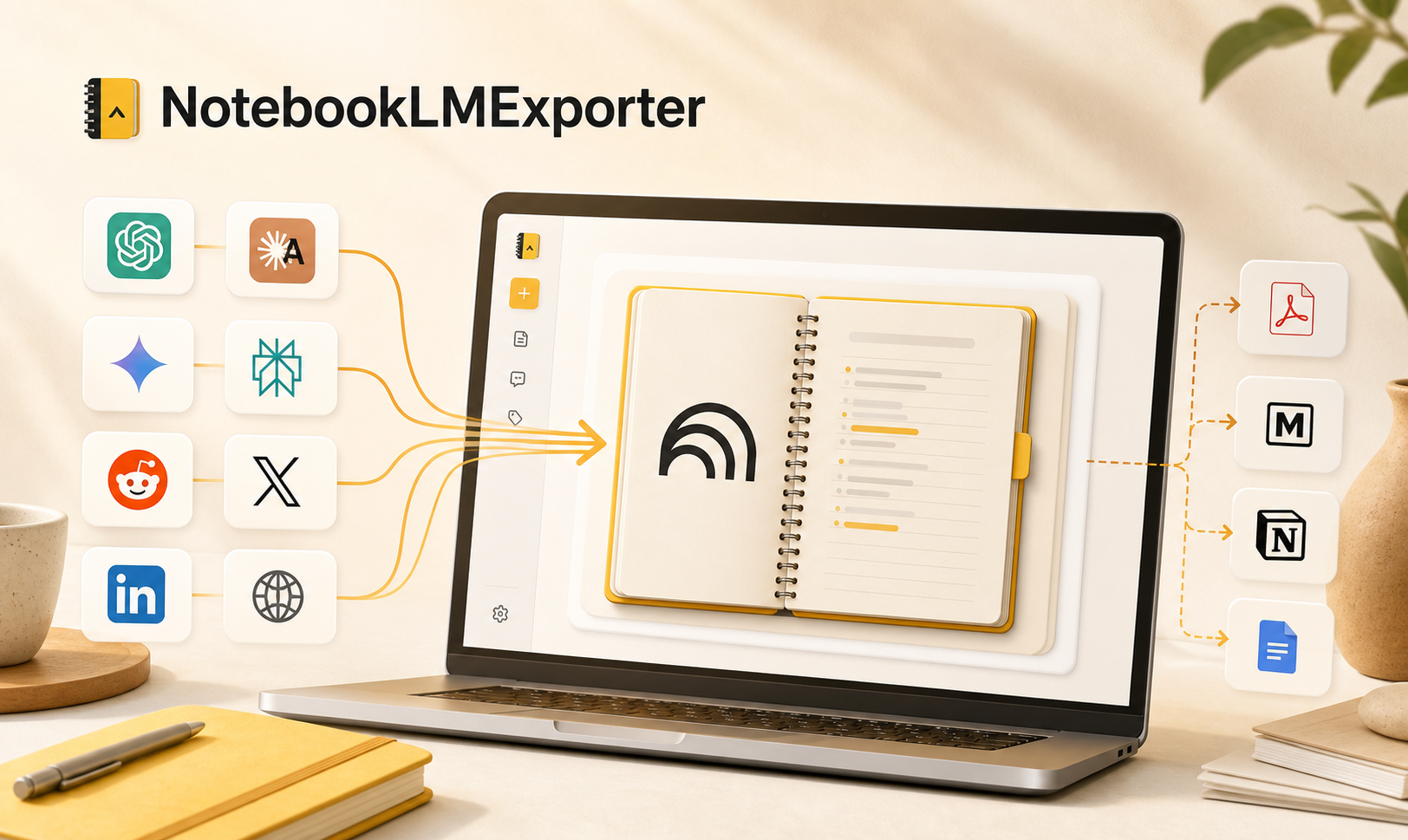
Import to NotebookLM
Move AI chats, threads, and web research into NotebookLM.
Purpose-built import handling for the sources researchers actually use.
Send useful material from ChatGPT, Claude, Gemini, Perplexity, Reddit, X, LinkedIn, and the web into the right NotebookLM notebook. When the work is ready, export NotebookLM conversations and Studio Notes as clean local files.
Import-ready source detection
From messy source to usable NotebookLM input.
NotebookLM workspace
Clean input, clean output, one continuous research flow.
Import faster
Send AI chats, web pages, and selected text into the right NotebookLM notebook without switching into copy-paste mode.
Export cleanly
Turn NotebookLM conversations and Studio Notes into local files for archive, sharing, editing, and reuse.
Track the workflow
Pick a notebook, create one on the spot, and review local import history with source, destination, and status.
Core workflows
Move from collection to NotebookLM to local archive without losing momentum.
AI chat import
Turn AI chats into NotebookLM sources
Import current conversations or selected text from ChatGPT, Claude, Gemini, and Perplexity while preserving useful context for later research.
- Current conversation import
- Selection-only import
- Source-specific extraction
- Cleaner than manual copy-paste
Web research
Capture articles and social threads while you read
Pull readable content from articles, Reddit threads, X posts, LinkedIn pages, and standard web pages into the NotebookLM notebook where it belongs.
- Readable page capture
- Selected passage import
- Thread-friendly workflows
- Research collection without tab chaos
NotebookLM export
Keep NotebookLM output in your hands
Export NotebookLM conversations and Studio Notes to formats that are easier to archive, review, share, or move into your own knowledge system.
- Conversations and Studio Notes
- Custom preview and bulk export
- Markdown, PDF, DOCX, HTML, JSON, and text
- Local files saved through Chrome downloads
Workflow
Collect, organize, export.
The point is not to save one page. It is to connect the whole research process from outside content to NotebookLM and back into files you can keep.- Find useful content in an AI tool or on the web.
- Send it into a selected NotebookLM notebook, or create a new one during import.
- After NotebookLM helps you organize the material, export the results as local files.
Use cases
Built for the way heavy NotebookLM users actually work.
Privacy and permissions
Runs in your browser and works only when you trigger it.
FAQ
Import, export, privacy, and setup.
What can NotebookLMExporter export?
It can export NotebookLM conversations, Studio Notes, generated note content, AI-only responses, and custom-selected messages or notes from supported NotebookLM pages.
What can NotebookLMExporter import into NotebookLM?
It can import supported ChatGPT, Claude, Gemini, and Perplexity conversations, plus web articles, Reddit threads, X posts, LinkedIn pages, and selected highlights into a chosen NotebookLM notebook.
Can I choose or create a destination notebook before importing?
Yes. The import flow lets you pick an existing notebook, search the available notebook list, or create a new notebook before sending the content.
Does it support bulk export across multiple notebooks?
Yes. The options page can load your notebooks, let you search and select the notebooks you want, choose conversations, Studio Notes, or both, and run the queue sequentially.
Does it keep import history locally?
Yes. Import history stores the source, destination notebook, status, and timestamps in Chrome local storage so you can review or clear previous import runs.
Which file formats are supported for export?
NotebookLMExporter supports Markdown, PDF, HTML, DOCX, JSON, and plain text so you can choose between local notes, shareable documents, structured backups, and simple archives.
Does NotebookLM content go to an AISaver server?
No. Notebook content is processed in your browser for the workflow you request. Export files are generated locally and saved through Chrome downloads.
Turn NotebookLM into a workspace with clean input and clean output.
If NotebookLM is already part of how you research, learn, or write, AISaver makes the whole flow much smoother.
Add to Chrome