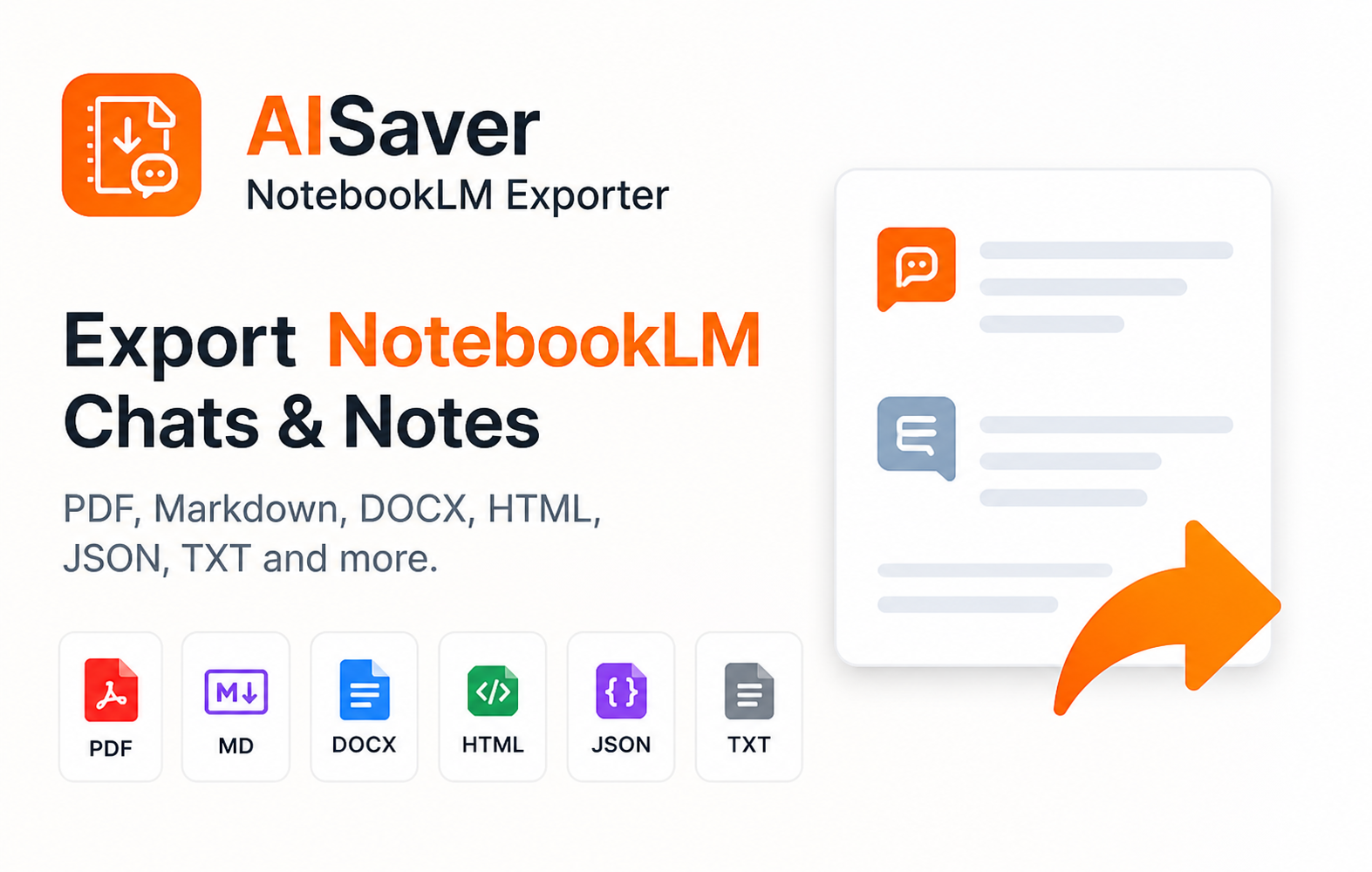
Why NotebookLM Needs Its Own Import And Export Flow
NotebookLM is not just another chat surface. It is often where users collect sources, ask grounded questions, generate notes, and turn research into drafts or study material.
NotebookLMExporter is designed around that workflow. It helps users move information in both directions: bringing useful outside content into NotebookLM and turning notebook content into durable local files.
What You Can Import Into NotebookLM
The import workflow is built for the pages where useful research often starts before it belongs in a NotebookLM notebook. Supported public messaging should focus on ChatGPT, Claude, Gemini, Perplexity, Reddit, X, LinkedIn, and standard web pages.
Instead of repeated copy-paste, users can choose a destination notebook, create a new notebook during the flow, and send either the current content or a smaller selected excerpt.
- ChatGPT, Claude, Gemini, and Perplexity conversations
- Reddit threads, X posts, LinkedIn pages, and standard web articles
- Selection-only import for smaller excerpts and highlights
- Notebook picker plus create-notebook flow before import
What You Can Export
The extension can export full conversations, AI responses only, Studio Notes, summaries, and selected messages or notes through the custom preview page.
For larger archives, the Options page can load notebooks, let users search and select specific notebooks, then run a bulk queue across conversations, notes, or both.
- Full NotebookLM conversations with prompts and responses
- Studio Notes, summaries, and generated note content
- AI responses only for clean research summaries
- Custom-selected messages or notes
- Bulk queues across selected notebooks
Choosing The Right Workflow
Use import when useful information starts outside NotebookLM and should be added to a notebook for grounded follow-up work. Use export when a NotebookLM conversation, Studio Note, or summary should become a durable local file.
Inside export, the right file format still depends on the next step in the workflow rather than the file extension alone.
- Import for AI chats, web research, and selected highlights that belong in NotebookLM
- Markdown for local notes and long-term portability
- PDF for readable static snapshots
- DOCX for editing and document workflows
- HTML, JSON, and text for browsing, backup, or automation
History And Privacy Model
NotebookLMExporter keeps import history locally so users can review where imported content came from, where it went, and whether it succeeded. This is useful when NotebookLM becomes part of a larger research system instead of a one-off destination.
NotebookLMExporter processes notebook content in the browser for the workflow the user requests. Export files are generated locally and saved through Chrome downloads, while local settings and import history stay in Chrome storage.